National Energy Foundation
National Energy Foundation: Call Center Portal
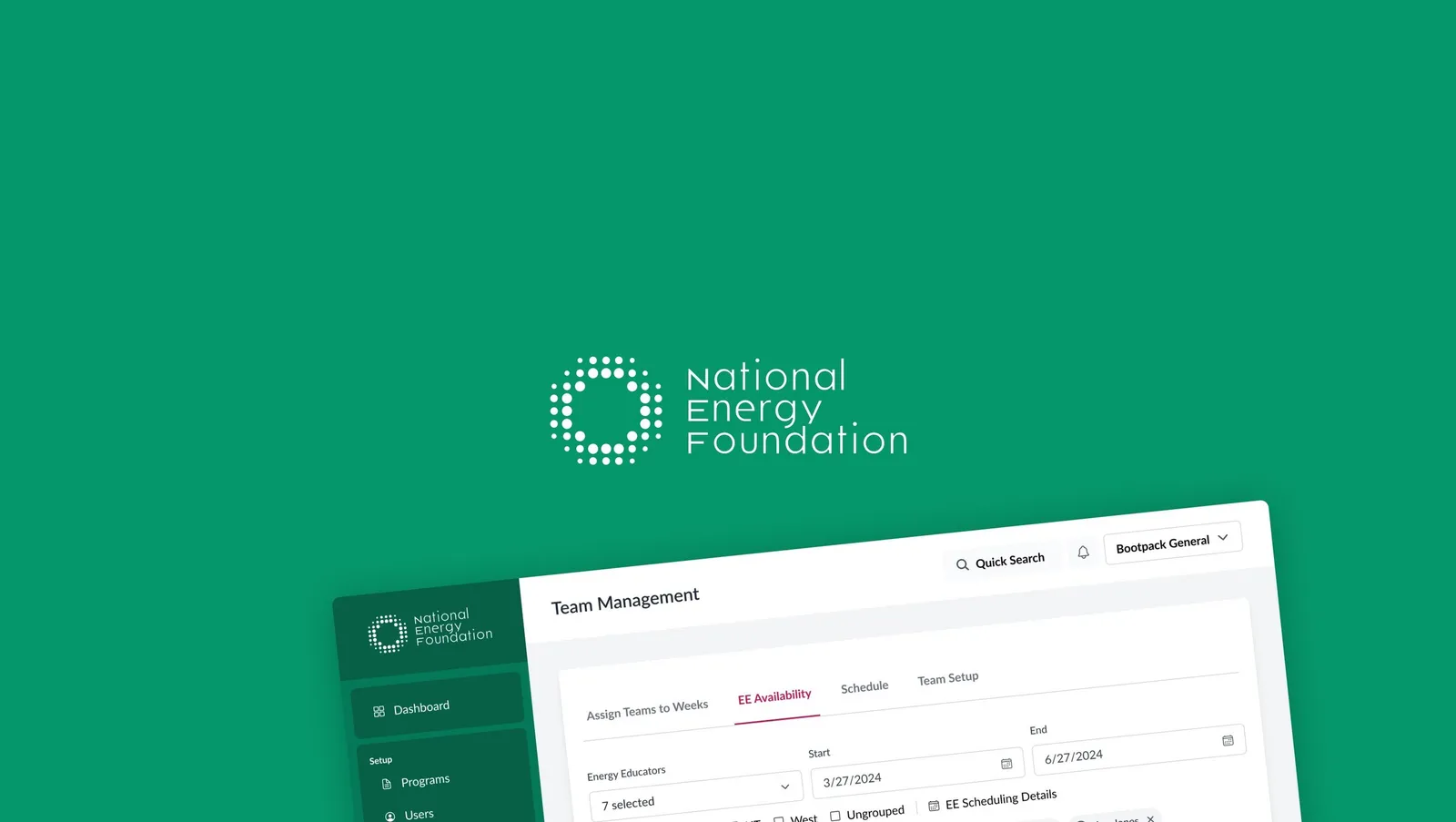
A call center portal that helps NEF schedule energy education seminars in schools, with distinct workflows for the admins assigning work and the callers on the phones.
- Client
- National Energy Foundation
- Role
- UX Designer
- Focus
- Web app, Workflows, Personas
Introduction
As a UX designer at the National Energy Foundation, I was given the exciting challenge of developing a call center portal aimed at facilitating energy education seminars in schools. The foundation’s mission is to promote energy literacy, and part of this involves reaching out to educational institutions to schedule informative seminars. My task was to design an efficient and user-friendly portal for our call center team, ensuring both admins and callers could perform their duties seamlessly.
Call Management
The call management app was designed with two main user groups in mind: the admins and the callers. Admins needed a robust interface to assign tasks to callers and manage the workflow, while callers required a straightforward portal to handle their assignments, make calls, update statuses, and leave notes. The overarching goal was to create an intuitive, streamlined experience that would enhance productivity and communication within the team.
Personas
During the design process, it became clear that there needed to be distinct workflows and designs for two different personas: admins and callers. Admins are responsible for task assignment, progress tracking, and communication management, requiring a comprehensive dashboard and tools for oversight. Callers, on the other hand, focus on making calls, updating statuses, and recording notes, necessitating a simpler, task-focused interface. Understanding these different needs was crucial to creating an effective call management app.
The Administrator
The workflow for the admin begins with task assignment. Admins access a centralized dashboard displaying an overview of caller performance and pending tasks. They can create new call tasks, specifying school details, call scripts, and deadlines, and then use a drag-and-drop interface to assign these tasks to available callers based on their workload and performance metrics. Progress tracking is facilitated by real-time updates on the dashboard, showing which schools have been contacted and the outcomes. Admins can review notes left by callers, providing feedback or additional instructions as needed. Communication is streamlined through a note response feature, allowing admins to respond directly to caller notes within the portal, and automatic notifications alert admins to new notes or updates requiring their attention.
The Caller
The workflow for callers starts with viewing assignments. Callers log into the portal to view a list of their assigned schools, complete with contact details and specific instructions. Tasks are prioritized based on deadlines and importance, helping callers manage their time effectively. Making calls is facilitated by a dedicated call interface that allows callers to dial out directly from the portal, with pre-populated scripts and notes for each school. After each call, callers can update the status (e.g., contacted, scheduled, follow-up needed) with a single click. Note taking and communication are streamlined as callers leave detailed notes on each call, documenting any important information or next steps. They can flag notes for admin attention, ensuring swift responses to any queries or issues encountered during calls. Follow-up management is supported by automated reminders for follow-up calls, ensuring no school is overlooked, and callers can easily access the history of their interactions with each school, maintaining a clear record of communication.
Conclusion
Designing the call center portal for the National Energy Foundation was a rewarding project that highlighted the importance of user-centric design in enhancing operational efficiency. By creating intuitive workflows for both admins and callers, we aimed to streamline the process of scheduling energy education seminars, ultimately contributing to the foundation’s mission of promoting energy literacy. Through detailed personas and a clear understanding of user needs, the portal was crafted to facilitate better communication, improve task management, and support the overall goals of the call center team.