CompHealth · CHG Healthcare
CompHealth Site Refresh
A brand-led refresh for one of the largest locum tenens agencies, anchored by a “Google for Jobs” search and tested with real providers.
- Client
- CompHealth · CHG Healthcare
- Role
- UX Designer
- Focus
- Site refresh, User testing
Overview
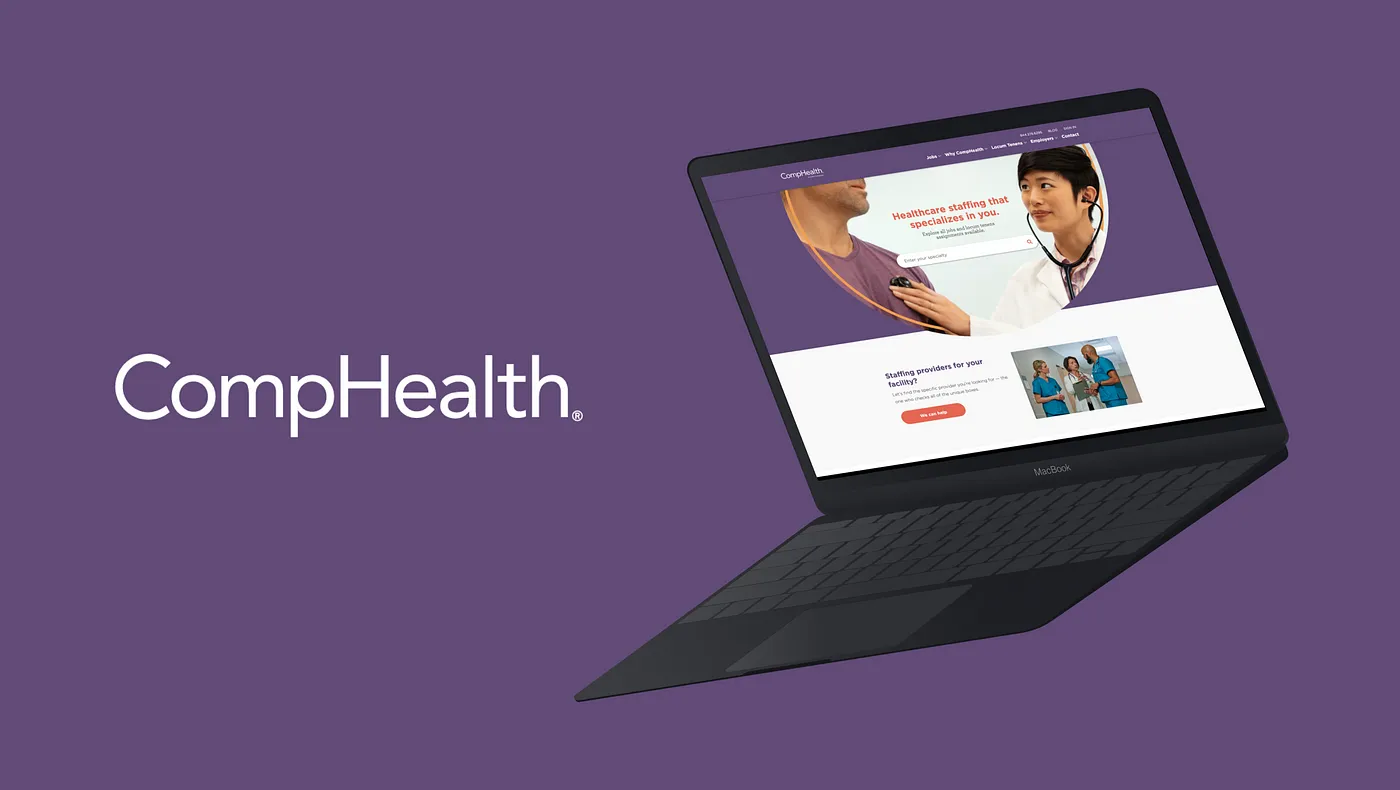
CompHealth is one of the largest staffing agencies for traveling healthcare providers. In 2019 CHG Healthcare hired a new Creative Director to oversee the CompHealth brand, and one of the primary directives he was given was to update the CompHealth brand and style guide. With the advent of an updated brand style guide came the opportunity to refresh the marketing website along with it.
Goal
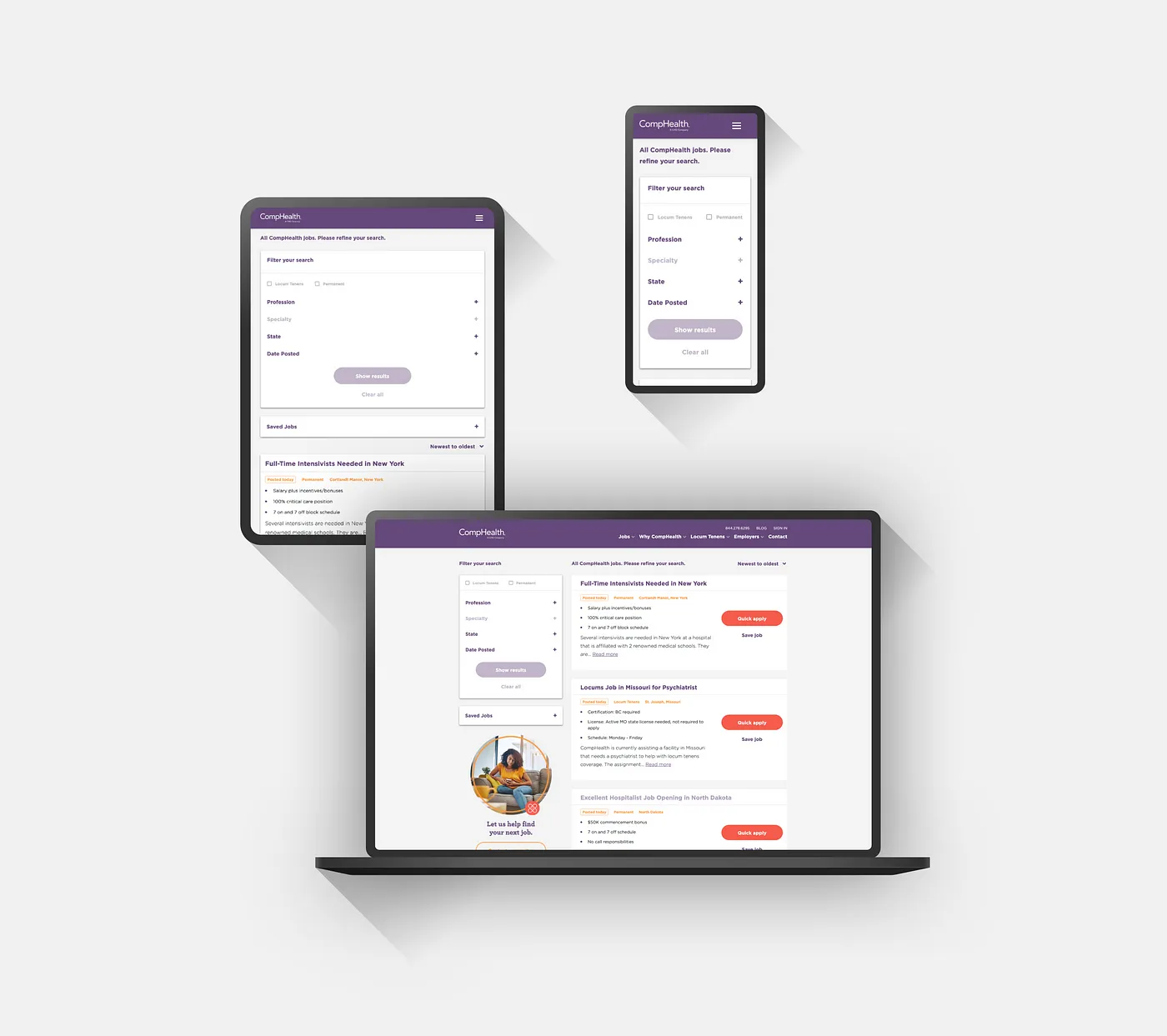
For the CompHealth marketing website, there were several things that we wanted to address, the first being that CompHealth didn’t have a consistent component library. Another was that the developers on the product team were wanting to begin updating our marketing sites from Bootstrap 3 to Bootstrap 4 and this became a prime opportunity to do so. On my end as the UX Designer, not only did I want to create a new Component Library, but I knew that CompHealth was in desperate need of improving the general user experience and usability. Some of our other goals included:
- Keep conversions consistent
- Enhance the user experience
- Update site from Bootstrap 3 to Bootstrap 4
- Create a new component library
- Focus on responsive design
- Simplify UI for better user experience and faster development
First Steps
Concepting
Working with my Product Manager, we decided to keep our sitemap roughly the same as it was before, so we were free to begin exploring new visual ideas to implement the new brand visual elements.
Style Guide & Component Library
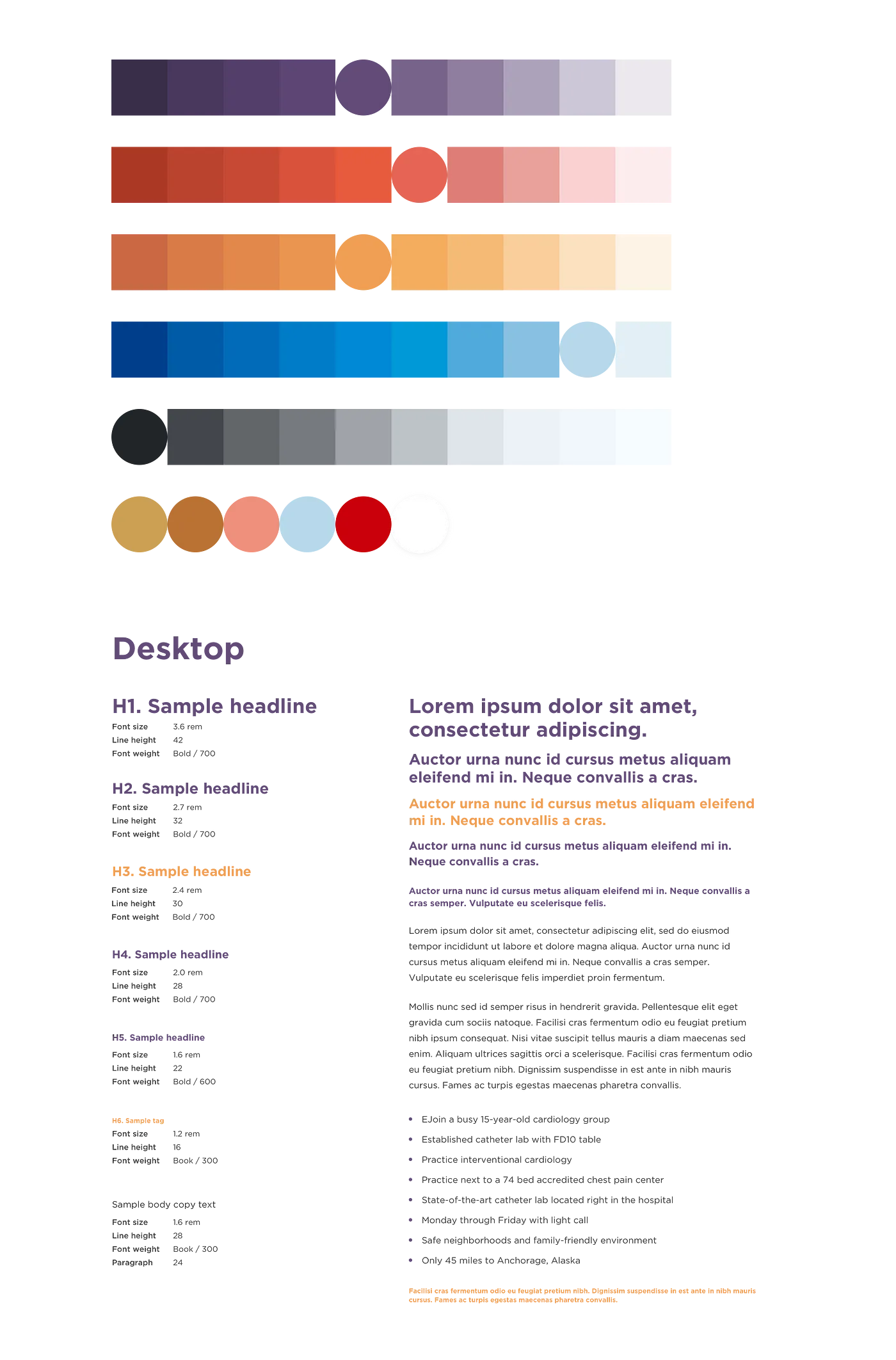
Once I settled on a consistent visual language, next came creating a new web style guide and component library. I worked with my development team on iterating and building out the component library which would be used to maintain consistency across the various site elements. This included elements such as:
- Brand colors
- Typography
- Buttons
- Forms
- Pagination
- Navigation & Footer
The Happy Path
I began by designing out what we call the “Happy Path” experience on the web product team. The Happy Path is the flow that a user will take to apply for a job. This consists of a user generally landing on the homepage, then navigating over to the job board, and then finding a job and applying for it.
Google for Jobs
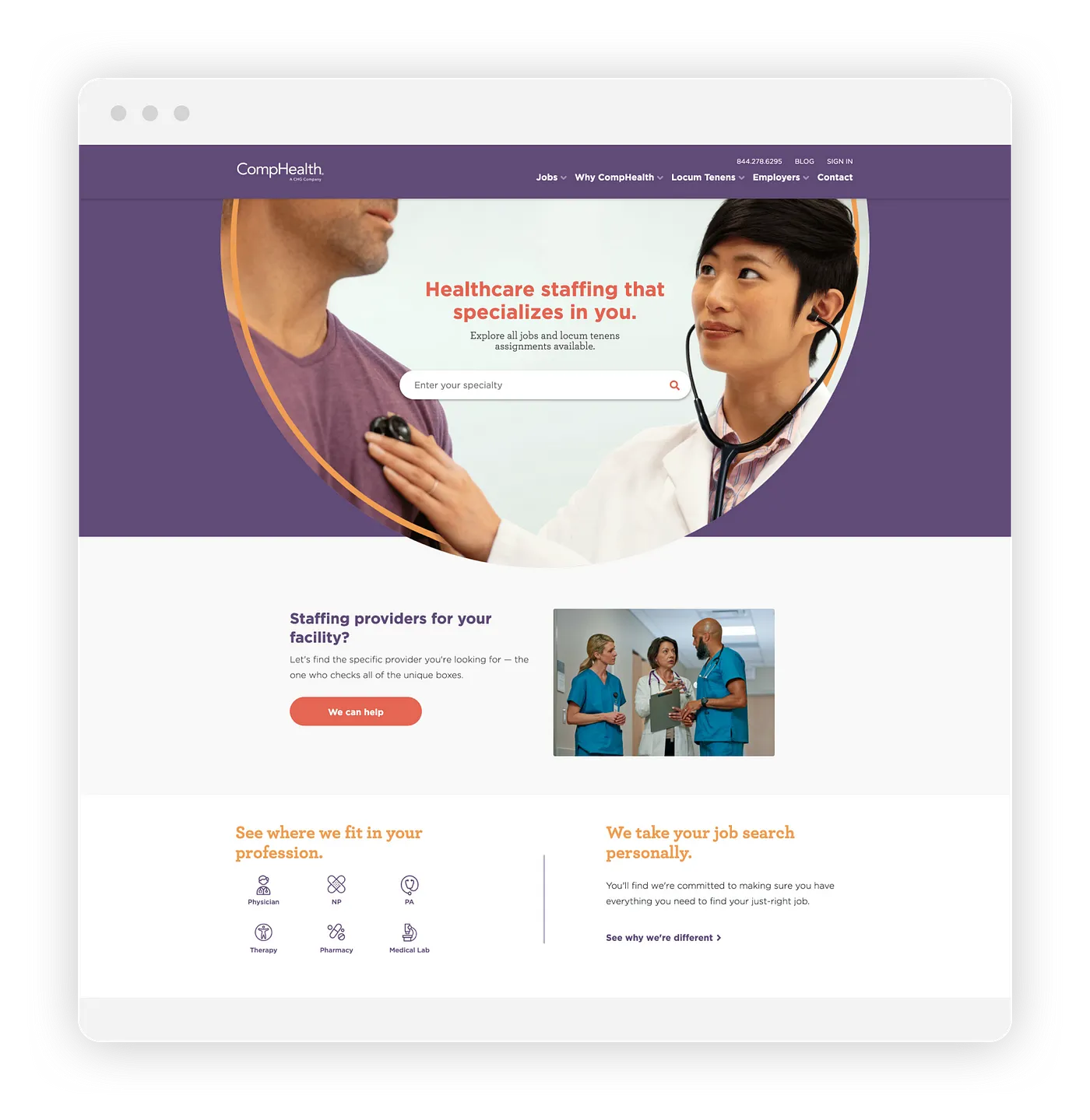
I designed several different iterations for the hero section on the new homepage. One of the concepts I presented was called “Google for Jobs.” This concept was designed to make it easier for the user to quickly find jobs for their medical specialty by focusing their experience into one search bar instead of having multiple pathways to choose from.
User Testing
Since we were refreshing the site as well as adding new brand elements, we wanted to make sure the Happy Path was as intuitive to use as possible for our audience of healthcare professionals. We sent out a batch of emails to providers that had recently filled out a form on one of our marketing websites and offered them an Amazon gift card as compensation if they would be willing to come to meet with us for a user testing session.
We tested the new happy path for both desktop and mobile experiences. We invited four providers to sit down with us to begin usability testing.
Testing Results
We found that with the new visual updates and updated search functionality, users were able to much more quickly be able to find what they were looking for in their job search.
Results
With the positive feedback we received during our user testing, we pushed forward with the new updates with the hopes that the new brand and site elements wouldn’t hurt conversion in any way. In the first month after launch, there was a slight dip in conversion, but after that conversions stabilized and even improved slightly in the months to follow.
Because of the dip in conversion, we realized that the changes we made to our forms made them easy to miss, so we began making updates to change the color of the form from white to purple. In hindsight, I would have spent more time testing not only the happy path but the impact of the forms themselves.
All in all, the CompHealth site refresh was an exciting project to tackle, and the results turned out to be good for our users and our business.